
Meet P140, P150 and P150T. Choose the lightweight 14-inch P140 for travel, the spacious 15.6-inch P150 for everyday work, or P150T when touch interaction matters.
Explore additional GetMi monitor formats for mobile work, touch interaction and larger desktop setups.
Pack a productive second screen for hotel rooms, client visits and shared workspaces.
Keep documents, video calls and dashboards visible in a compact setup.
Read, take notes and follow lessons without constantly switching windows.
Enjoy a larger view from compatible laptops, phones, consoles and other HDMI sources.
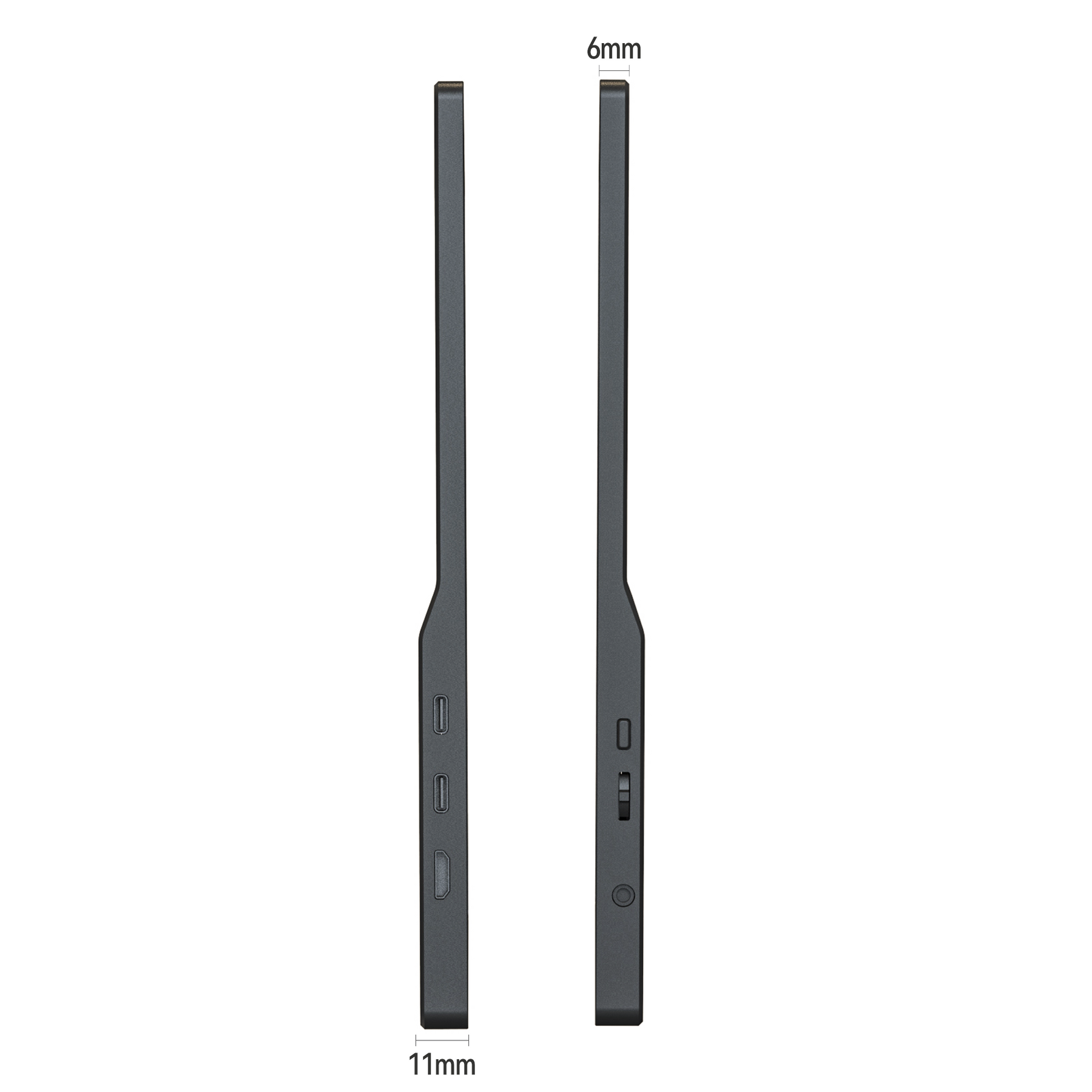
Use a single USB-C cable with devices that support DisplayPort Alt Mode. For HDMI sources, connect through Mini HDMI and add USB-C power when required.
View compatibility guideConfirm that your device supports USB-C video output, Thunderbolt or HDMI. If you are unsure, send us the exact model and we will help you check compatibility.
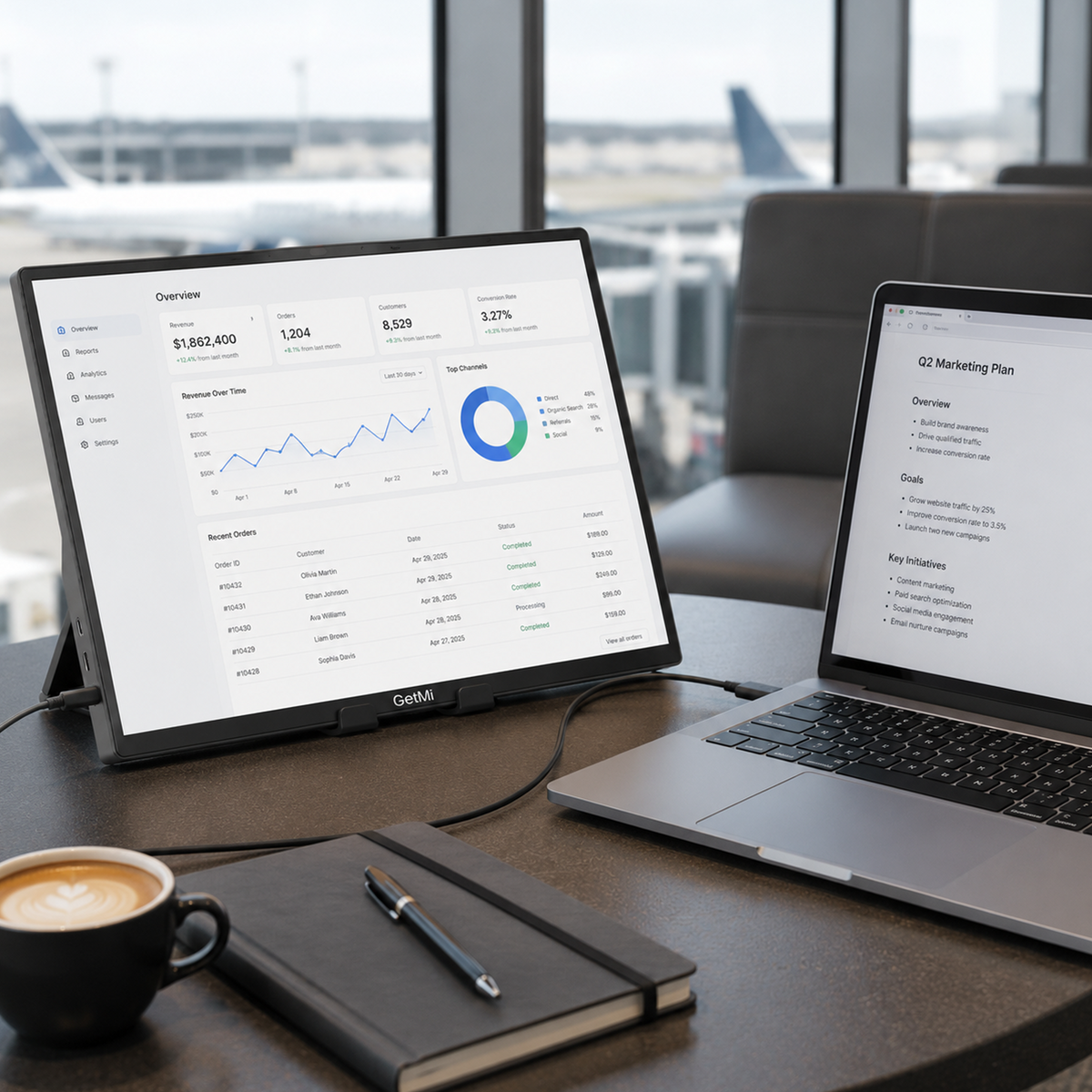
When your workspace changes, your screen should not hold you back. P140 gives documents, meetings and dashboards more room without adding a fixed desk to your routine.
A spacious 15.6-inch Full HD portable monitor for spreadsheets, meetings, study and entertainment when you want a larger second screen.
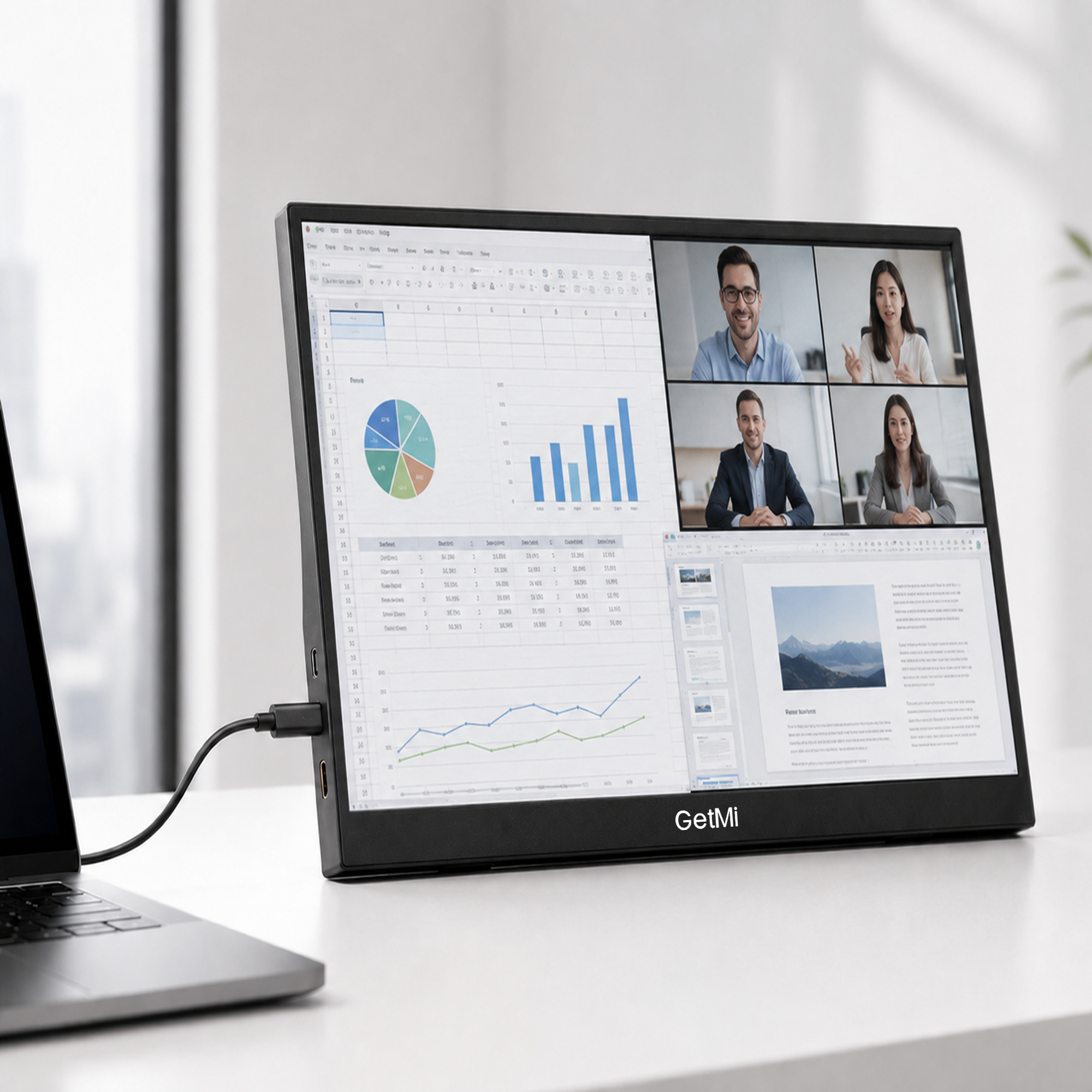
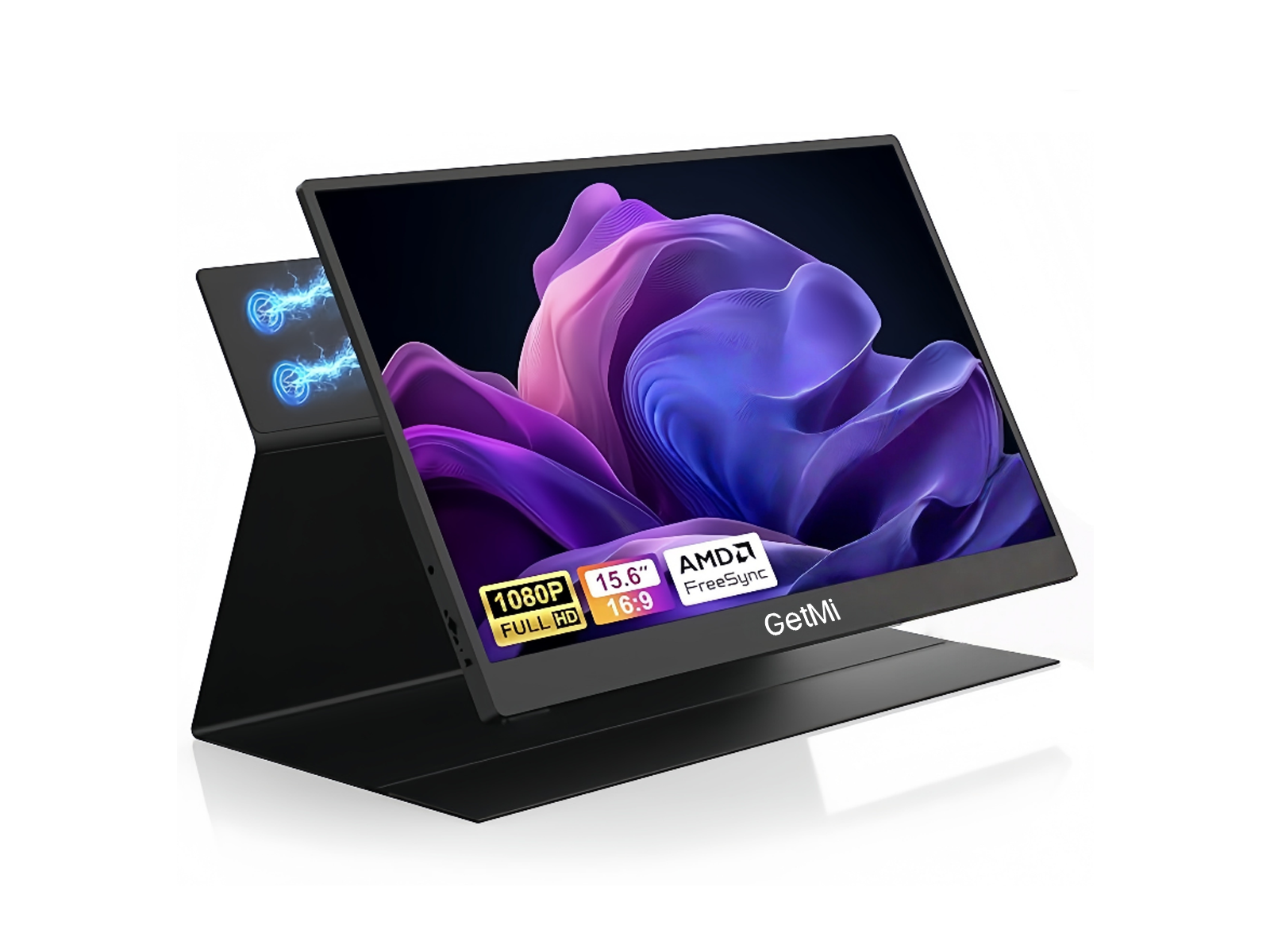
A 15.6-inch Full HD portable monitor with touch support for compatible systems, designed for more direct interaction with work, study and presentation content.
Choose the cable path that fits your device. USB-C video requires DisplayPort Alt Mode or Thunderbolt support. HDMI sources use Mini HDMI and separate USB-C power.
GetMi supports 20+ unit RFQ requests, practical configuration discussions and partner support for growing local markets.
Start with the essentials, then check ports and device compatibility before you buy.
Screen size, resolution, ports and the questions that matter first.
Read the guideUnderstand DisplayPort Alt Mode before you order a single-cable setup.
Check compatibilityContact GetMi with your device model, destination or business requirement.
Contact GetMi